MsgPilot
Connect with Mobile
🌐 Select Language
From daily employee communication to recruitment, MsgPilot helps HR teams use Excel, CSV and contact lists to prepare personalized SMS and email for payroll notifications, salary-related communication, shifts, HSE instructions, training, document reminders, general company instructions, employee notices and candidate communication.
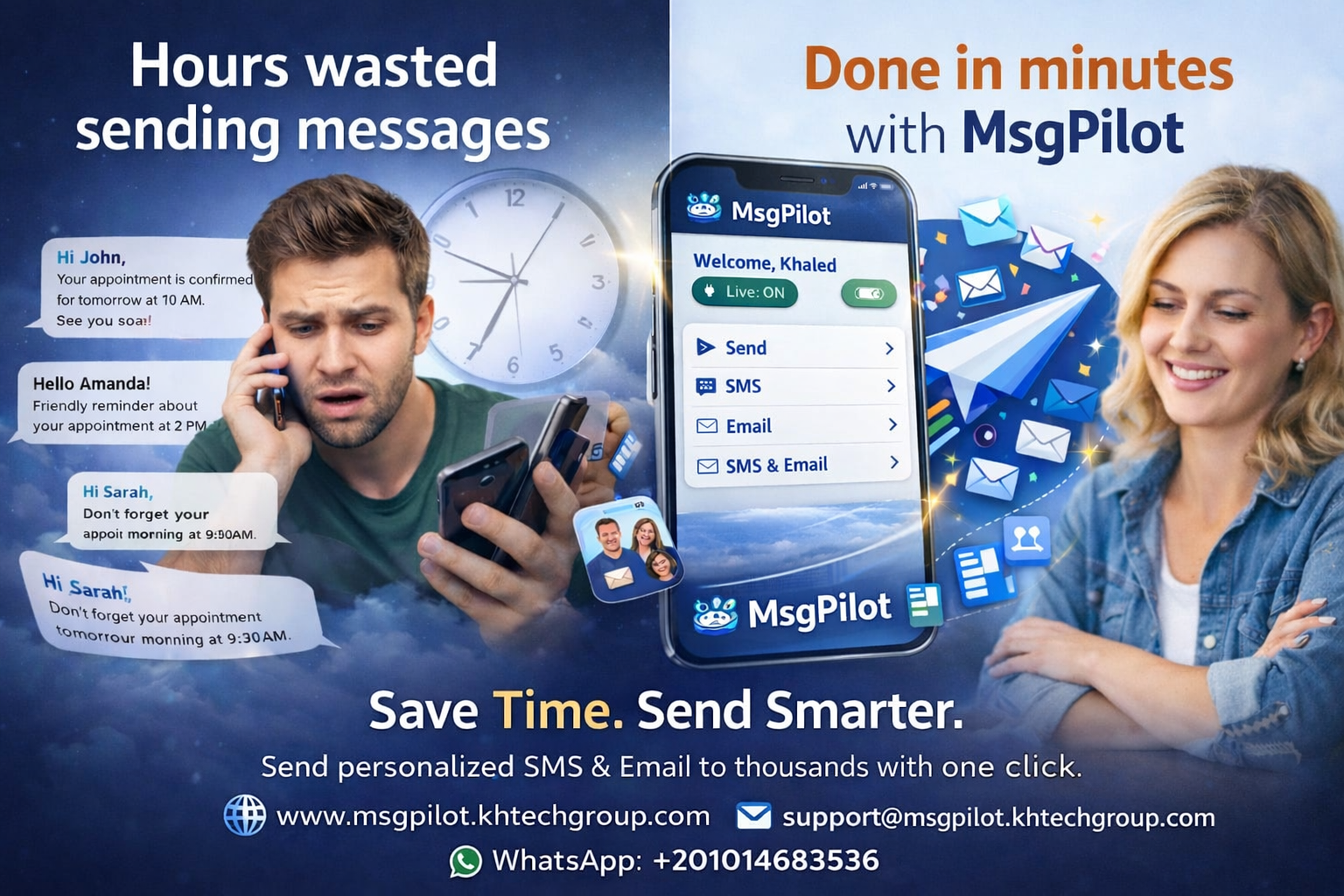
HR communication is much broader than recruitment. Human Resources teams regularly need to communicate with employees about payroll, shifts, leave, HSE, training, company instructions, document renewals, deadlines and operational changes.
In many organizations, the required employee data already exists in Excel or CSV files.
MsgPilot helps HR teams use this structured data to prepare personalized communication without writing every message individually.
Notify employees about salary processing, payment dates, payroll references, allowances, deductions or other permitted payroll information.
Send salary-related email notifications and supported payroll communication. Where a common attachment is appropriate, supported Web Email attachments can also be included.
Send approved management notices, company instructions, policy reminders and general employee announcements.
Send safety alerts, toolbox-talk reminders, PPE instructions, HSE training schedules, emergency-preparedness notices and approved safety messages.
Send personalized shift information including date, time, department, site, reporting point and other operational details.
Send leave approvals, leave status, return dates, holiday schedules and administrative reminders.
Notify employees about mandatory training, certification renewals, assessments, competency requirements and course schedules.
Remind employees about expiring IDs, licenses, certificates, permits, contracts or other required documents.
Communicate shutdown information, transport changes, emergency arrangements, unusual working hours or other urgent operational instructions.
Prepare messages for selected departments, factories, branches, sites, projects or employee groups.
Send permitted administrative appointment reminders or company medical scheduling notices while avoiding unnecessary sensitive information.
Send company event information, approved recognition messages, celebrations and internal announcements.
HR or payroll teams may maintain information such as:
Hello @{Name},
Your salary for @{Month} has been processed.
Payment Date: @{PaymentDate}
Employee ID: @{EmployeeID}
Payroll Reference: @{Reference}
For any payroll clarification, please contact HR.
MsgPilot can support salary-related communication and payroll notifications using personalized employee data.
Supported MsgPilot Web Email campaigns can also include campaign attachments where the same attachment is appropriate for the recipients.
Current Web Email attachment limits are:
Maximum 1 MB per attachment.
Maximum 3 attachments per campaign.
If every employee requires a different individual salary-slip attachment, the HR team should use a workflow that ensures the correct confidential document is delivered only to the intended employee.
HSE communication is often time-sensitive and may involve selected departments, sites, shifts or employee groups.
Hello @{Name}, mandatory HSE training for @{Department} is scheduled on @{Date} at @{Time} in @{Location}. Topic: @{TrainingTopic}. Please attend on time.
HR and management teams can use structured employee data to communicate approved company instructions to specific groups.
Hello @{Name}, please note the following instruction for @{Department}: @{Instruction}. Effective from: @{EffectiveDate}.
Different employees may have different shifts, reporting times, locations or departments.
Hello @{Name}, your shift on @{Date} starts at @{StartTime}. Department: @{Department}. Reporting location: @{Location}.
Notify selected employees about required courses and attendance dates.
Send personalized dates, times and locations for employee assessments.
Remind employees before licenses or certificates expire.
Notify employees about documents required before training or renewal.
HR teams often already maintain structured employee information.
| Name | Employee ID | Mobile | Department | Site | Shift | |
|---|---|---|---|---|---|---|
| Ahmed | EMP-1001 | +20XXXXXXXXXX | ahmed@example.com | Maintenance | Plant A | Morning |
| Sara | EMP-1002 | +20XXXXXXXXXX | sara@example.com | Administration | Head Office | Day |
Structured employee data can help HR prepare communication for selected groups rather than treating every employee exactly the same.
Send candidate name, position, interview date, time and location.
Remind candidates about upcoming appointments and interview schedules.
Request required recruitment or onboarding documents.
Send permitted application status or next-step communication.
Hello @{Name}, your interview for the @{Position} position is scheduled for @{Date} at @{Time} at @{Location}. Please confirm your attendance.
SMS can be useful for concise, time-sensitive employee or candidate communication such as reminders, schedules, alerts and instructions.
For SMS campaigns, the Android phone and SIM remain the actual sender.
Email can be used where HR communication needs more detail, longer instructions or supported attachments.
HR teams normally manage employee data, payroll files, schedules and recruitment lists from office computers.
MsgPilot Web/PC connection allows supported SMS and email campaign preparation from a browser.
For SMS, the connected Android phone remains responsible for actual delivery through its SIM.
Use Excel, CSV, supported contacts or manual recipient entry.
Use employee information relevant to the intended communication.
Prepare one SMS or email and insert dynamic fields.
Check employee information and personalized content before sending.
Start the permitted HR or recruitment communication.
Review available campaign progress and history.
HR, payroll and recruitment files can contain confidential personal information.
Only include information that is necessary for the intended communication.
Before starting a campaign, verify employee names, mobile numbers, email addresses, employee IDs, payroll references, dates, departments and any other personalized fields.
Avoid exposing confidential information in messages where a more secure HR process is required.
MsgPilot should be used only for legitimate and permitted HR, employee and recruitment communication.
Organizations remain responsible for protecting employee and candidate data and for complying with applicable privacy, employment, data protection and communication requirements.
Mobile operator policies and applicable anti-spam or electronic communication requirements may also apply.
Yes. MsgPilot supports structured recipient data and dynamic fields so information from supported Excel or CSV workflows can be inserted into personalized SMS or email.
Yes. HR or payroll teams can prepare personalized salary-processing notifications, payroll dates, references and other appropriate payroll communication using structured employee data.
MsgPilot supports email communication and supported campaign attachments. Current Web Email campaigns allow up to 3 attachments, with a maximum size of 1 MB per attachment. If each employee requires a different confidential salary-slip file, the organization should ensure that each document is delivered only to its intended recipient through an appropriate workflow.
Yes. HR or HSE teams can prepare permitted safety alerts, training reminders, toolbox-talk notices, PPE instructions and other safety communication.
Yes. Fields such as employee name, shift, date, reporting time, department and location can be stored in the imported data and used dynamically.
Yes. MsgPilot can support permitted internal communication such as approved employee notices, management instructions, policy reminders and operational announcements.
Yes. Expiry dates and document types can be included in employee data and inserted into personalized reminders.
Yes. MsgPilot can also be used for interview invitations, candidate reminders, document requests and other permitted recruitment communication.
Yes. MsgPilot Web/PC supports campaign preparation from a browser. For SMS campaigns, the Android phone remains the actual sender through its SIM.
Use your existing employee and candidate data to prepare reusable, personalized SMS and email for payroll, HSE, shifts, training, company instructions, document reminders, recruitment and other permitted HR communication.
Use employee or candidate Excel data to create personalized SMS automatically.
Prepare personalized employee or candidate emails using dynamic fields.