
MsgPilot
Connect with Mobile
🌐 Select Language
Turn your Excel or CSV contact list into personalized SMS messages without preparing every message manually. MsgPilot lets you import structured data, use dynamic fields, preview the final message for each recipient, and send SMS through your Android phone and SIM.
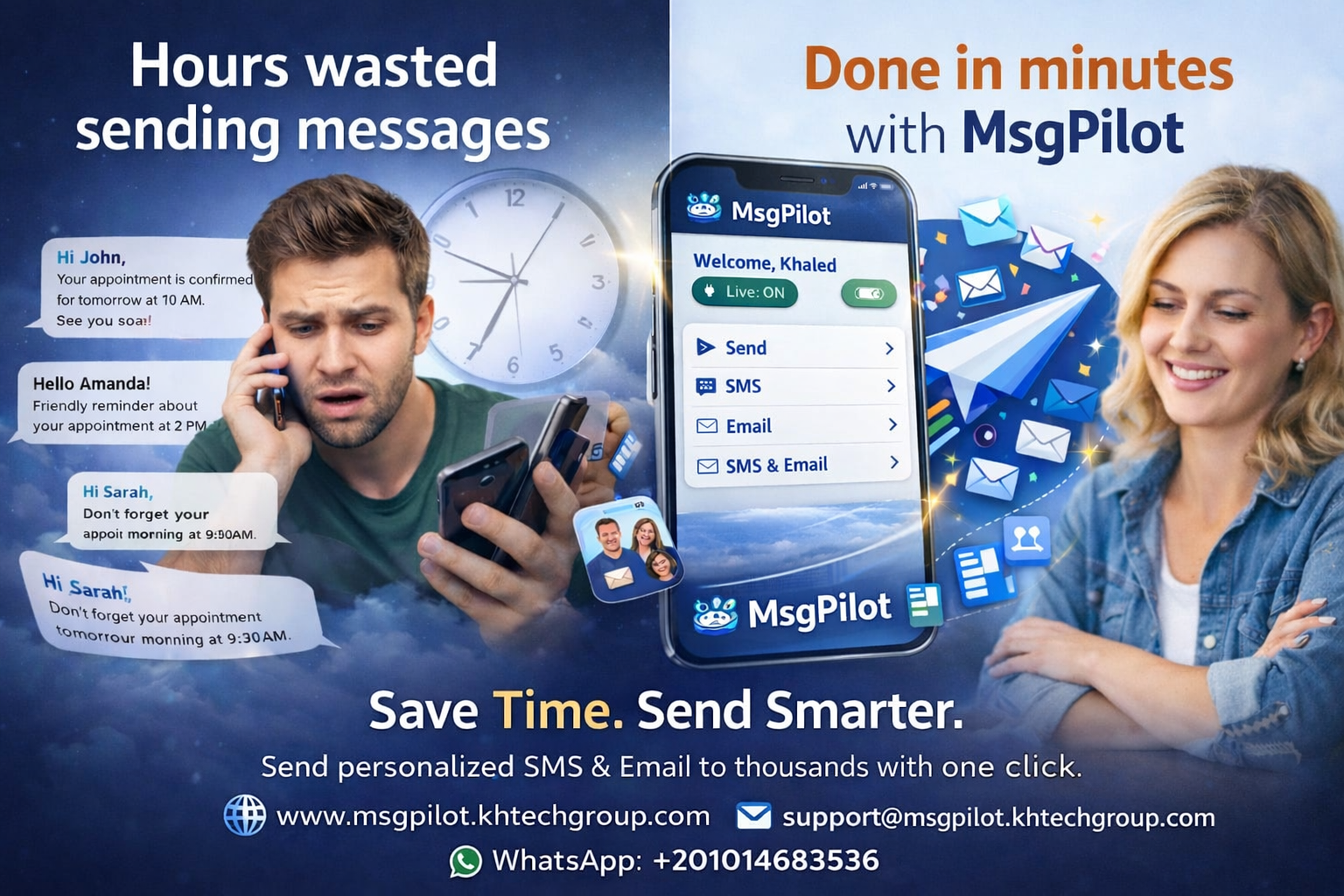
Businesses often keep customer, employee, student, candidate, member, or client information in Excel.
The challenge starts when every recipient needs a slightly different message.
For example, your spreadsheet may contain:
| Name | Mobile | Company | Amount | Date |
|---|---|---|---|---|
| Ahmed | +20XXXXXXXXXX | ABC Company | 1,250 | 10 Sep |
| Sara | +20XXXXXXXXXX | XYZ Services | 850 | 12 Sep |
Instead of manually copying this information into hundreds of individual SMS messages, MsgPilot can use the spreadsheet fields directly.
With MsgPilot, spreadsheet columns can be used as dynamic fields inside your message.
Hello @{Name}, your amount with @{Company} is @{Amount}. Your scheduled date is @{Date}.
MsgPilot replaces the dynamic fields with the information belonging to each recipient.
Hello Ahmed, your amount with ABC Company is 1,250. Your scheduled date is 10 Sep.
Hello Sara, your amount with XYZ Services is 850. Your scheduled date is 12 Sep.
Keep recipient information in an Excel or CSV file with clear columns such as Name, Mobile, Company, Amount, Date, or any other information needed for your campaign.
Import your prepared contact list into MsgPilot instead of entering each recipient manually.
Create your message and insert dynamic fields from your imported data.
Review the personalized message and recipient information before starting the campaign.
Start your controlled SMS campaign using your Android device and SIM.
Follow campaign progress and review your message history and logs from MsgPilot.
Avoid preparing and copying individual SMS messages one recipient at a time.
Use recipient-specific information automatically while maintaining one reusable message template.
Work with information you already maintain in Excel or CSV files.
Review your campaign information before starting message delivery.
SMS messages are sent through the Android phone and SIM, keeping the phone as the actual SMS sender.
MsgPilot also supports preparing and managing supported campaigns from your computer through the Web/PC connection.
Send candidate interview information, schedules, reminders, or other permitted recruitment communication.
Send personalized notifications, schedules, reminders, and administrative communication to students or parents.
Send structured employee, customer, supplier, or operational notifications from organized data.
Communicate with opted-in leads and customers using information already maintained in your contact lists.
Send appointment, service, payment, collection, or status notifications to customers.
Send personalized member information, event reminders, and operational announcements.
MsgPilot is designed so that SMS delivery is performed through the Android device and its SIM.
This is different from services where every SMS must be purchased as a separate messaging credit from the software provider.
Your mobile operator's normal SMS charges, limits, fair-use rules, and local regulations still apply.
Bulk messaging should be used only for legitimate communication with recipients you are permitted to contact.
Before sending a campaign, make sure your use complies with applicable privacy rules, anti-spam requirements, local laws, mobile operator policies, and any consent requirements that apply to your business and location.
MsgPilot provides tools for preparing and managing messages. The sender remains responsible for the content, recipient list, permissions, and lawful use of the service.
If you are not sure how to prepare your spreadsheet, you can use the ready MsgPilot Excel template as a starting point.
Yes. MsgPilot can import structured recipient data and use spreadsheet fields inside your message template so that recipient-specific information is inserted automatically.
No. You can create one template and use dynamic fields for information that changes between recipients.
MsgPilot supports structured contact and campaign data, including Excel and CSV workflows supported by the application.
Your connected Android phone is the actual SMS sender, using the SIM installed in the device.
MsgPilot includes a Web/PC connection that allows supported campaign preparation and management from a computer while the Android phone remains responsible for SMS sending.
Yes. MsgPilot also supports personalized email campaigns using structured recipient data.
Import your contact data, create one dynamic template, preview the personalized messages, and manage your campaign with MsgPilot.
Learn how MsgPilot uses your Android phone and SIM for controlled SMS delivery.
Prepare and manage supported campaigns from your computer while remaining connected to MsgPilot on Android.
Use imported recipient information to create personalized email campaigns.