
MsgPilot
Connect with Mobile
🌐 Select Language
Different businesses have different communication needs. MsgPilot helps teams use existing contact data to prepare personalized SMS and email campaigns for customers, employees, candidates, students, members, suppliers, leads and other permitted recipients.
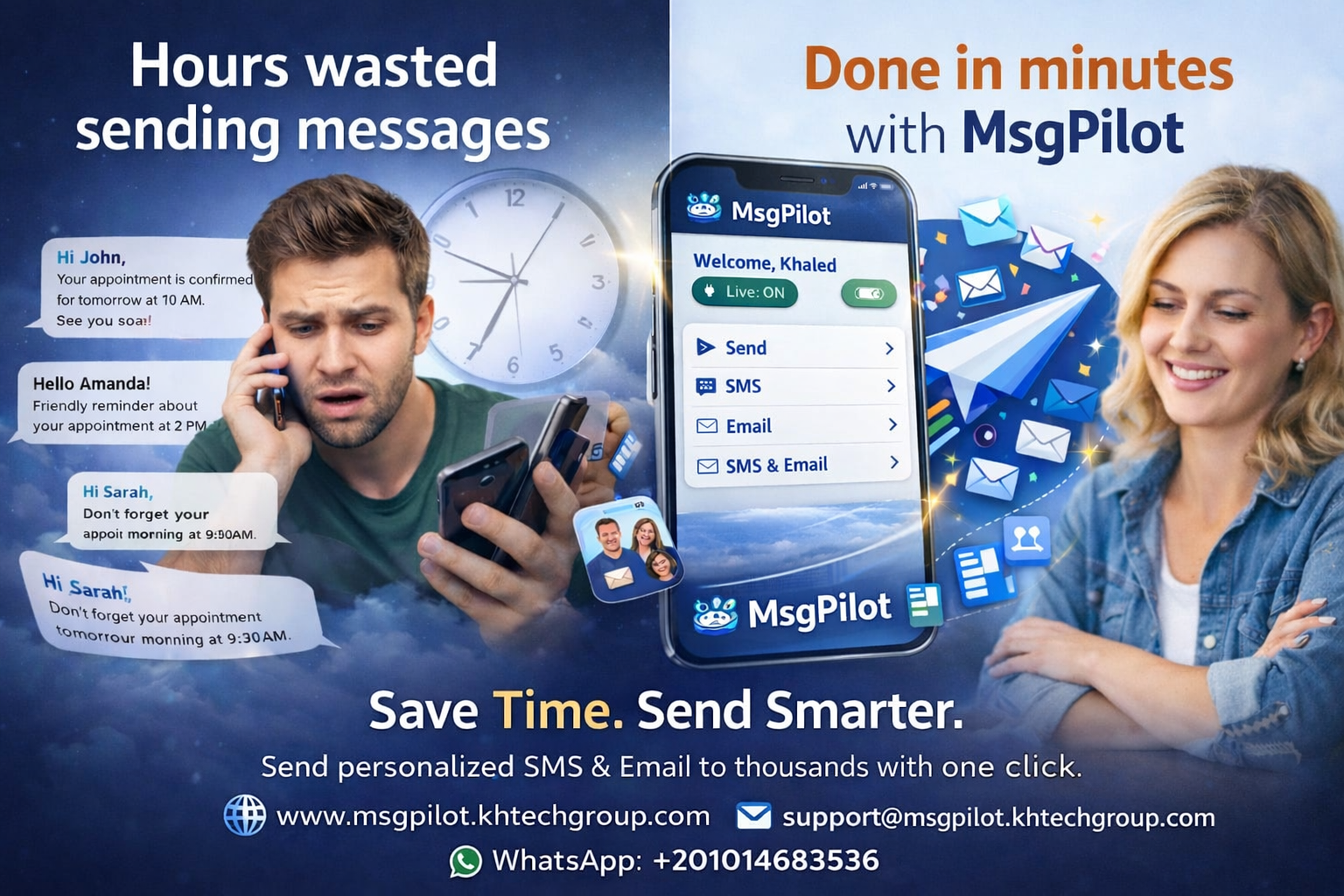
Many organizations already maintain recipient information in Excel files, CSV files, mobile contacts or other structured lists.
MsgPilot helps turn that information into practical SMS and email communication without manually preparing every message one by one.
A business can use fields such as:
Send permitted candidate interview invitations, appointment details, recruitment updates, document requests and employee communication using structured recipient data.
Send student, parent and trainee notifications, schedules, reminders, attendance communication, payment notices and administrative updates.
Communicate with permitted leads and customers regarding property visits, appointments, follow-ups, payment reminders and relevant property information.
Send appointment reminders, scheduled visits, service completion notifications, payment reminders, quotations and customer status updates.
Send permitted member announcements, event reminders, renewal notices, invitations and administrative communication from structured member lists.
Organize permitted customer and lead communication, personalized follow-ups, appointment reminders, quotations and sales-related updates.
Send permitted administrative appointment reminders and operational communication while protecting recipient information according to applicable requirements.
Send permitted delivery schedules, collection notices, status updates and customer communication using structured lists.
Send structured operational communication to permitted employees, suppliers, contractors and other business contacts.
Send permitted customer notifications, order information, collection reminders and service-related communication.
Accountants, consultants, legal offices and other professional businesses can organize permitted client reminders and administrative communication.
Send permitted booking information, arrival reminders, reservation updates and customer service communication.
Instead of manually writing individual messages, MsgPilot can use dynamic fields from your imported data.
Hello @{Name}, your appointment with @{Company} is scheduled for @{Date} at @{Time}. Reference: @{Reference}.
Recipient information can be inserted automatically from the structured campaign data.
Use SMS for short, direct communication such as reminders, appointment details, status updates and operational notices.
For SMS campaigns, the Android phone and SIM remain the actual SMS sender.
Use email when communication needs more detail, longer content, multiple dynamic fields or supported attachments.
Business teams often maintain customer and operational data on office computers.
MsgPilot Web/PC connection allows supported SMS and email campaign preparation from the browser, giving users a larger workspace for lists and message preparation.
For SMS, the connected Android phone remains responsible for actual sending through its SIM.
Use Excel, CSV, supported contacts or manual recipient entry depending on the size of your campaign.
Write the SMS or email once and include dynamic fields for personalized information.
Check recipient details and message content before beginning the campaign.
Process the supported SMS or email communication through MsgPilot.
Review available campaign progress and logs during and after processing.
Save time by reusing structured recipient files, templates and established communication processes.
Organizations that need additional support can use MsgPilot Enterprise.
Support options designed for organizational deployment.
Help teams understand the correct MsgPilot workflow and campaign preparation process.
Additional support for operational requirements.
MsgPilot is designed for legitimate business, organizational and professional communication.
Businesses should only contact recipients they are permitted to message.
Depending on the country, communication type and purpose, requirements may include consent, identification, unsubscribe options, privacy safeguards or another lawful basis.
Users remain responsible for compliance with applicable privacy laws, anti-spam requirements, mobile operator policies and other relevant regulations.
MsgPilot can support many legitimate communication workflows including recruitment, education, services, real estate, associations, sales, industry, logistics, administration and other professional uses.
MsgPilot supports structured recipient information through supported Excel and CSV workflows.
Yes. Dynamic fields can use information from your imported recipient data so each message can contain recipient-specific information.
MsgPilot includes Web/PC connection for supported campaign preparation and management from a browser.
Yes. MsgPilot supports SMS and email workflows. For SMS, the Android phone and SIM remain the actual sender.
Yes. MsgPilot Enterprise is available for organizations requiring additional training, onboarding and technical support.
Start with your existing contact data, create reusable personalized templates and manage supported SMS or email communication with MsgPilot.
Use Excel and CSV information to personalize SMS automatically for each recipient.
Create personalized emails using recipient data and dynamic fields.